About: Match Official System
Access Level
All users (page availability depends on association settings)
Overview
The Match Official System is a platform for managing match officials, assessments, training, and professional development. It provides tools for recording match diaries, receiving feedback, and communicating with your association.
What Is the Match Official System?
The Match Official System helps associations and match officials work together effectively by providing:
- Personal dashboard showing your activity and upcoming tasks
- Assessment and diary management for match officials
- Training plan tracking and development goals
- News and announcements from your association
- Document and media library for sharing resources
Who Uses This System?
Users (Match Officials)
- Record match diaries and assessments
- Receive feedback from reviewers
- Track personal development and training
- Access association resources and news
Viewers
- Assess match official performance
- Provide constructive feedback
Reviewers
Same as viewers, plus:
- Have a two way relationship with users by reviewing they diary entries and plans.
- Track development progress
- Support continuous improvement
Owners
- Manage association members
- Publish news and announcements
- Create and assign assessments
- Generate reports
- Configure association settings
For levels of access, see Levels of Access.
Explore Features
For a complete breakdown of all features available in the Match Official System, including what's available by role and access level, see Features Overview.
Getting Started
New Users
- You receive an invitation email from your association
- Click the registration link in the email
- Verify your email address
- Complete your profile information
- Sign in and explore the Home page
Common First Steps
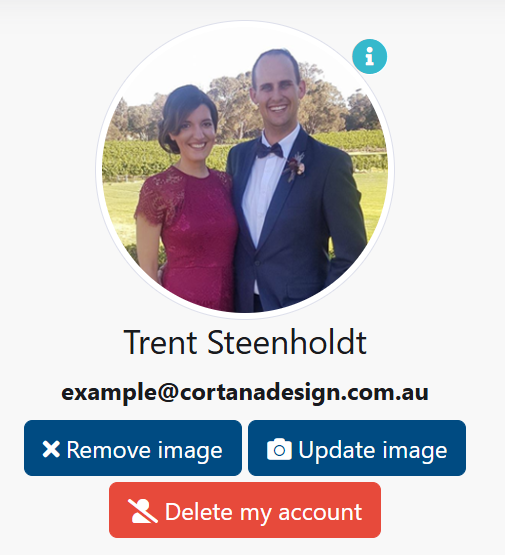
- Update your profile picture: My Account → Update Image
- Fill in your address: My Account → Your Address
- Set preferences: shirt size, pants size, occupation, theme
- Review your activity log: Event Log → Show login events
Returning Users
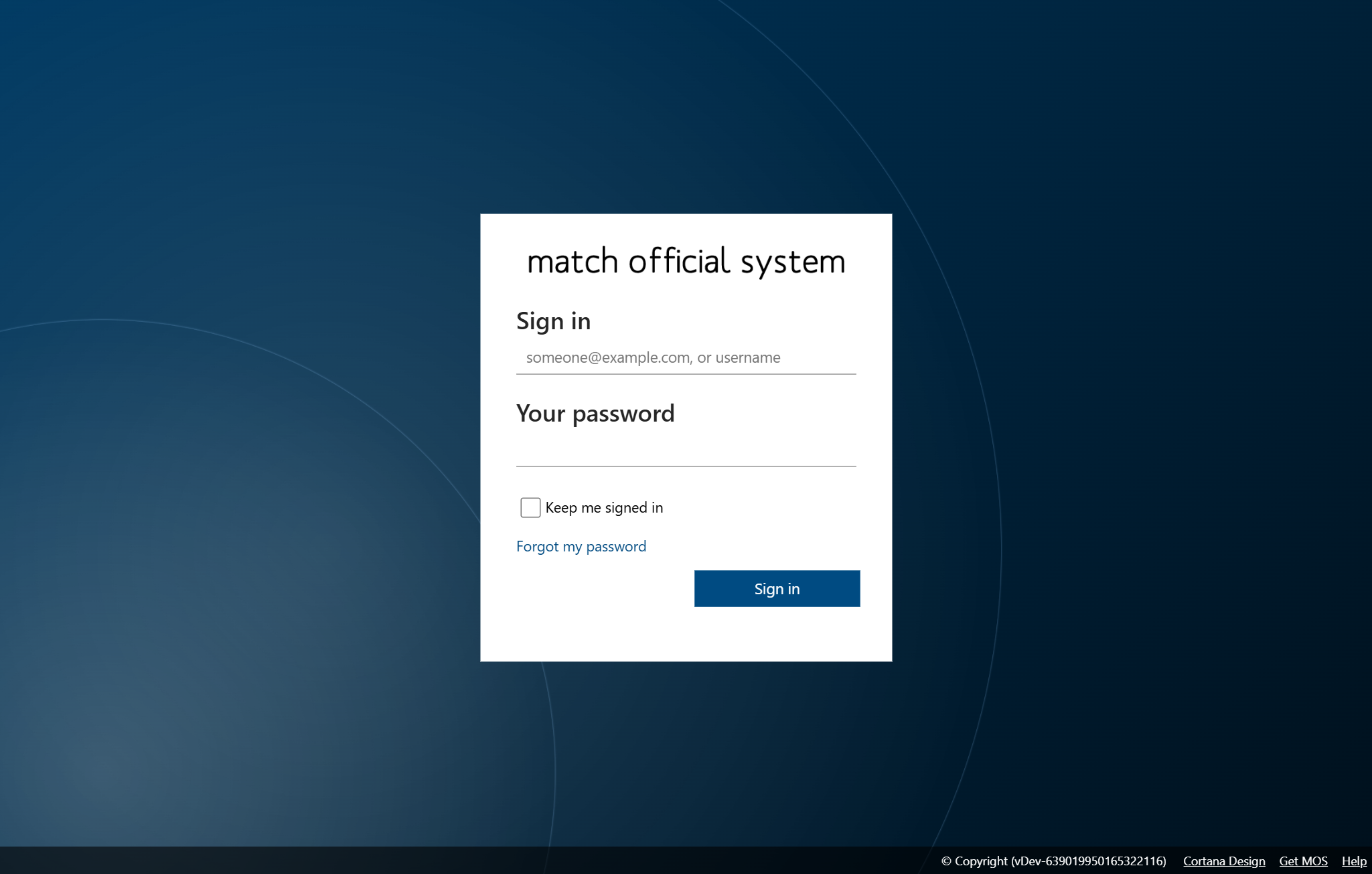
- Navigate to MOS
- Enter your username or email and password
- Click Sign In
- You arrive at your Home dashboard
Support and Help
Finding Help
- Check this documentation for step-by-step guides
- Contact your association administrator for account issues
- Look for tooltips and help text within the system
Common Support Contacts
Account Issues
- Forgotten password: Use the Forgot my password link
- Account locked: Contact your association administrator
- Cannot sign in: Verify your username and check with your administrator
Technical Questions
- Feature requests: Contact your association administrator
- Bug reports: Report to your association administrator
- Training needs: Ask your association about available resources
System Requirements
For detailed information about system requirements including browser compatibility and technical specifications, see System Requirements.
Device Compatibility
- Desktop computers
- Laptops
- Tablets
- Mobile phones
Note
Some features work best on larger screens. Mobile experience may be limited for complex tasks.
Security and Privacy
Your Account Security
- Use a strong, unique password
- Change your password regularly
- Do not share your login credentials
- Sign out when finished on shared devices
Data Protection
- Your personal information is stored securely in Microsoft Azure (Australia Southeast region for data, identity globally in Azure AD B2C)
- All data is protected with industry-standard encryption
- Access is controlled by your association
- Only authorized users can view your data
- Contact your administrator about data privacy questions
Session Management
- Automatic sign out after inactivity
- Session timeout varies by association
- Save your work regularly
Updates and Changes
The Match Official System receives regular updates to improve features, fix issues, and enhance security.
When Updates Happen
- You may see a maintenance notice
- Updates typically occur during off-peak hours
- Your association communicates scheduled maintenance
After an Update
- New features may appear
- Interface improvements may be visible
- Check announcements for details about changes
Frequently Asked Questions
For answers to common questions, see the FAQ page.
Glossary and Terminology
For definitions of key terms used throughout the system, see the Glossary.
Related Pages
- Sign In: How to access your account
- Home: Your personal dashboard
- Profile Management: Update your information
- News: View announcements