Explore the MOS Demo
If you are new to MOS
Request seven days of owner access to the demo organisation at matchofficialsystem.com/demo-register.
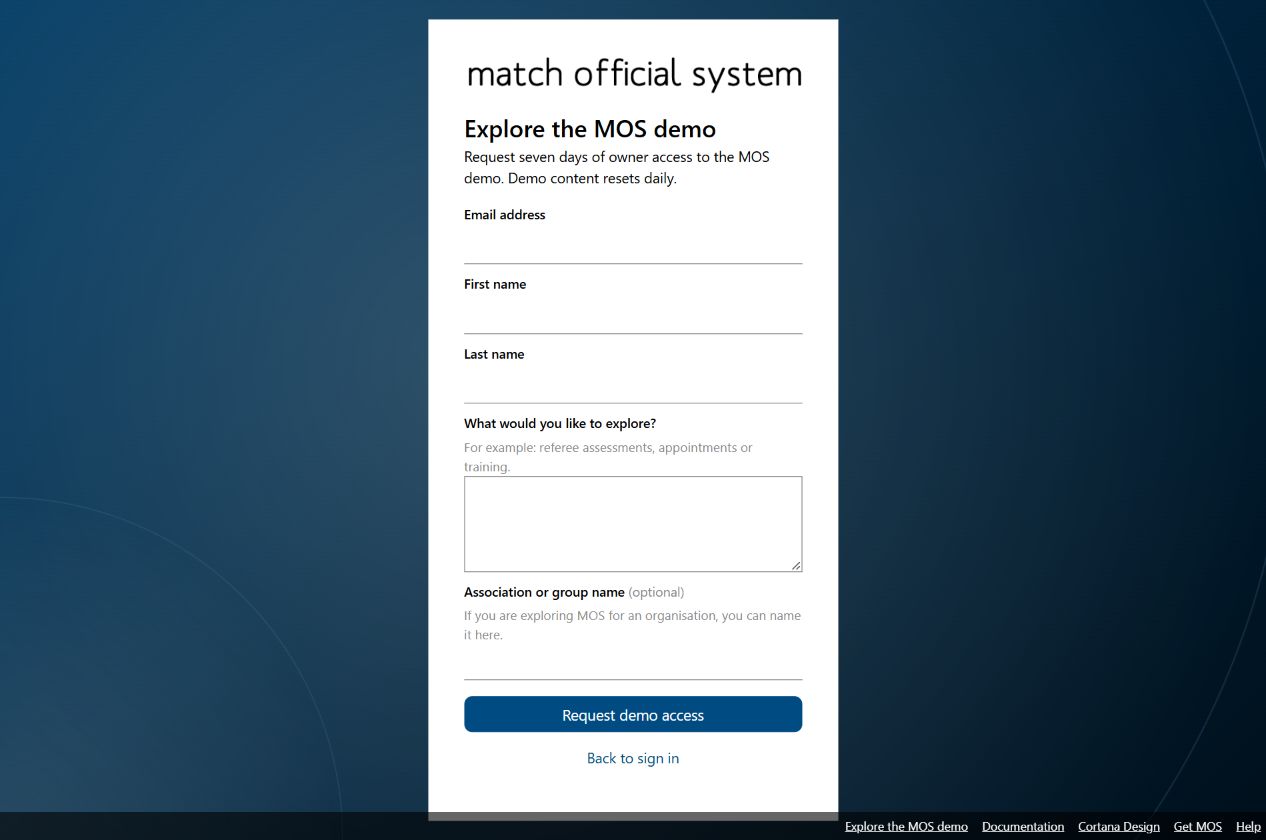
The registration form asks for your name and email, which MOS features you would like to explore (for example, referee assessments, appointments, or training), and optionally the association or group name. MOS emails a verification link that remains valid for two hours before creating an account. If eligible, you will receive a demo welcome email with a temporary password and the date your access ends. You can also open the form from the group sign-up page if you want to explore the demo before creating a group.
At your first sign-in, choose a new password and complete the current MOS policy onboarding. Your owner access lasts seven days. At the end of that period, MOS removes the demo access and account. You can request another demo account using the same email after a further seven days.
If you already own an MOS association
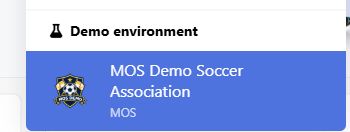
Sign in to MOS with your existing owner account and open the organisation selector. Choose MOS Demo to switch to the shared demo organisation; no separate demo registration is needed. MOS adds temporary owner access to the demo for existing association owners. Your own organisation remains available in the selector, so you can switch back at any time.
Tip: MOS Demo is a good place to explore and try MOS features with fictional sample records before making changes in your own association.
The demo is shared, so other people may be exploring it at the same time. Demo records and files reset each day, so save anything you need to keep outside the demo.
Whether you registered for access or already own an MOS association, use View as demo official to explore the system with fictional demo profiles and their different roles. You can exit the preview to return to your owner account at any time.
Preview a Demo Official
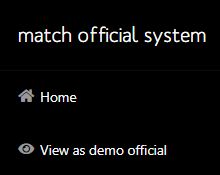
Select MOS Demo from the organisation selector, then choose View as demo official in the left navigation. Search by name or filter by role, then check the listed role and subgroup before opening a preview. Most profiles are basic members; selected profiles demonstrate Viewer, Reviewer, Trainer, and Selector access.
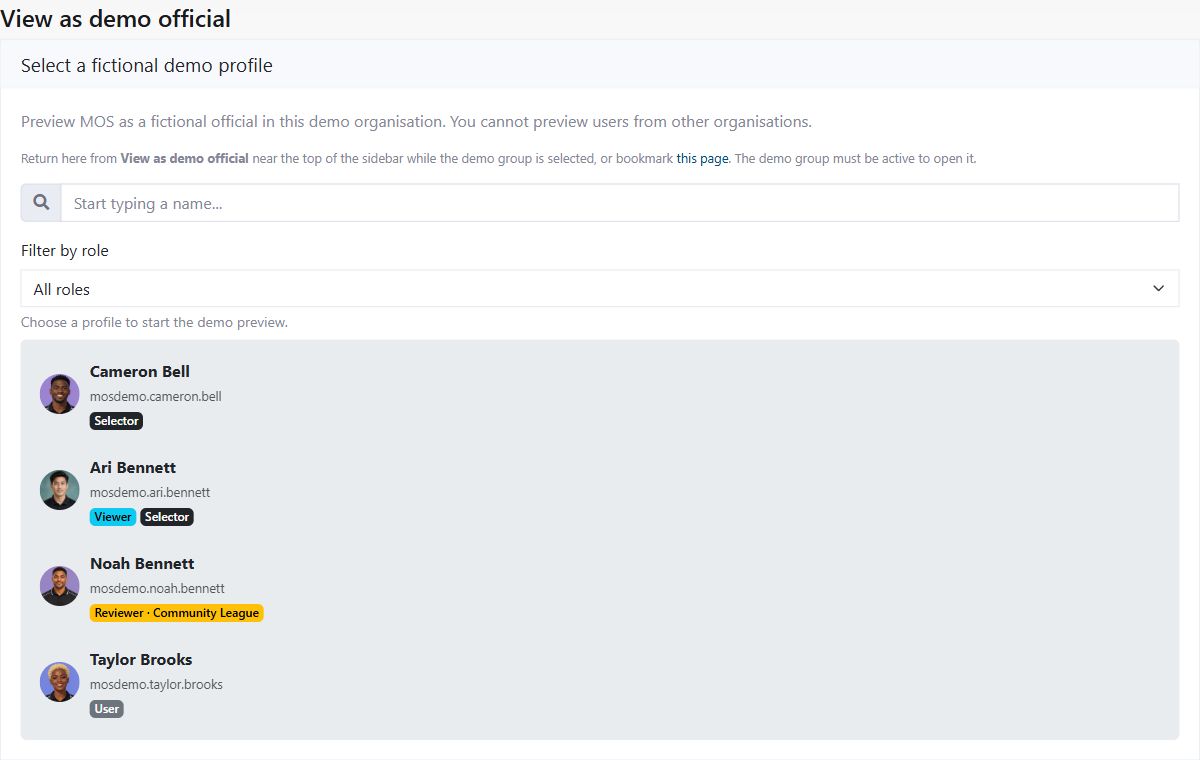
Names and role labels shown are fictional.
The preview shows the selected official's name and role in the Official preview banner. Page access and available actions follow that profile's permissions. The preview uses fictional records in MOS Demo; it does not create a sign-in account for the selected official or switch to another organisation. Choose Exit preview to return to your normal demo owner access.
For Match Day examples, Jordan Lee and Avery Stone each have two reviewed entries. Other Match Day examples are assigned to additional fictional officials.